A language for the feet
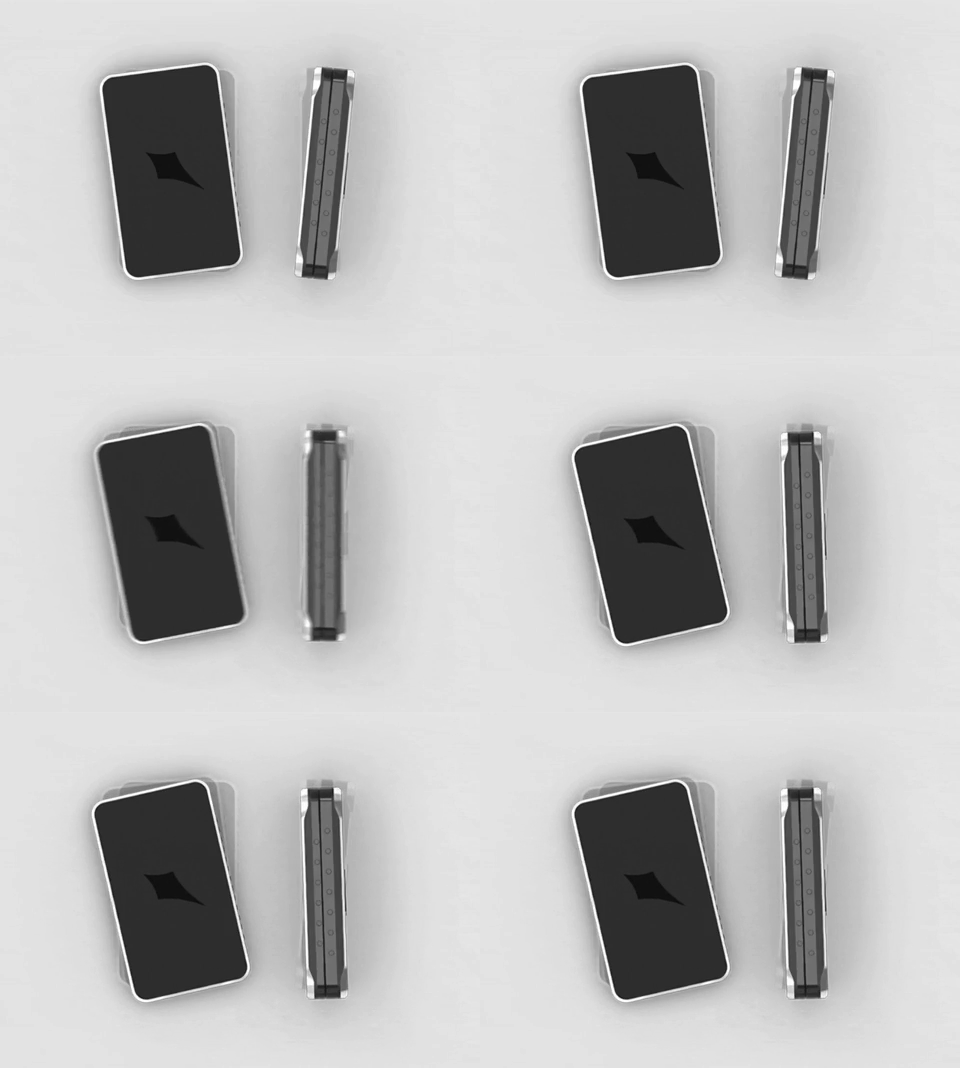
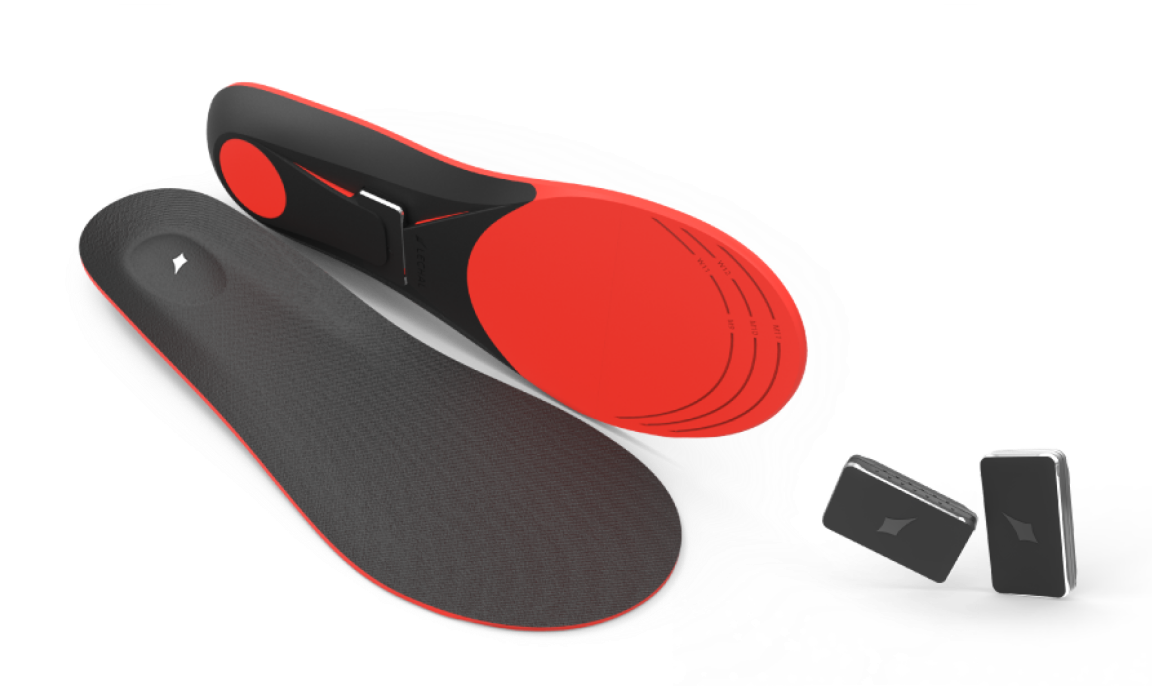
Lechal delivers turn-by-turn navigation through vibrations in shoe insoles. No screen, no audio. Just pulses in your feet telling you when and where to turn.
The problem: how do you build a communication system people can trust while walking, when they can't pause to interpret what just happened?
Contribution
Designed the haptic language. Figured out which navigation concepts could be encoded in vibration, which couldn't, and what to do about the gap. Led testing to find where patterns failed.
The constraint
Most navigation assumes you can glance at a screen or hear a voice. Lechal couldn't assume either.
Vibration has limited vocabulary: intensity, duration, rhythm, location. We tested waveforms (square, triangle, sawtooth) and found users couldn't perceive gradual changes while walking. Square pulses were the only reliable building block.
The harder problem was trust. A few missed turns or confusing signals and users pull out their phone anyway. We needed patterns clear enough that people would follow them without checking.
Building the language
Mapping APIs generate dozens of instruction types. Encoding all of them would make the system unlearnable.
We cut it to five actions: normal turn, slight turn, sharp turn, lane exit, roundabout exit. Everything else escalated to the phone.
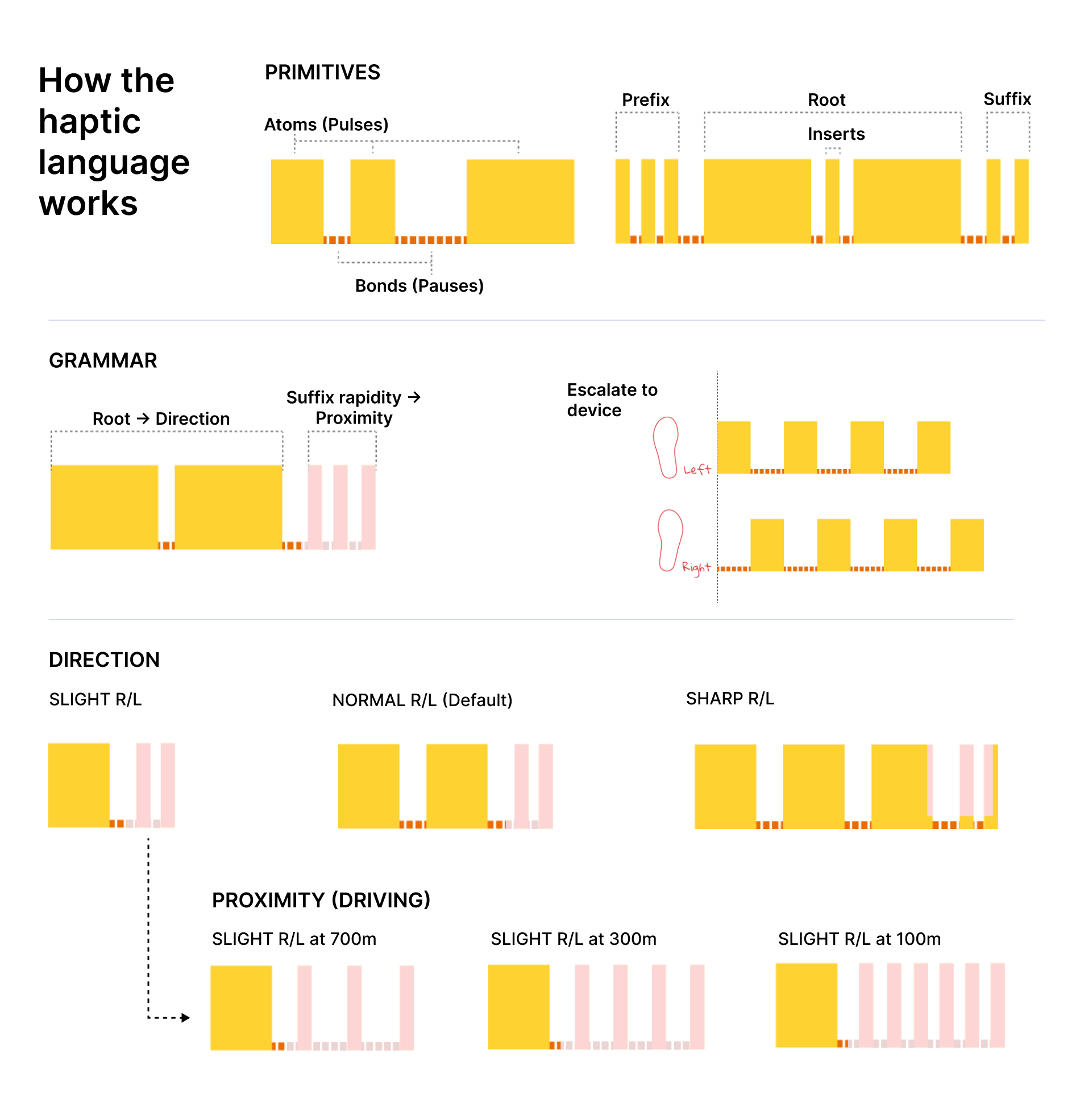
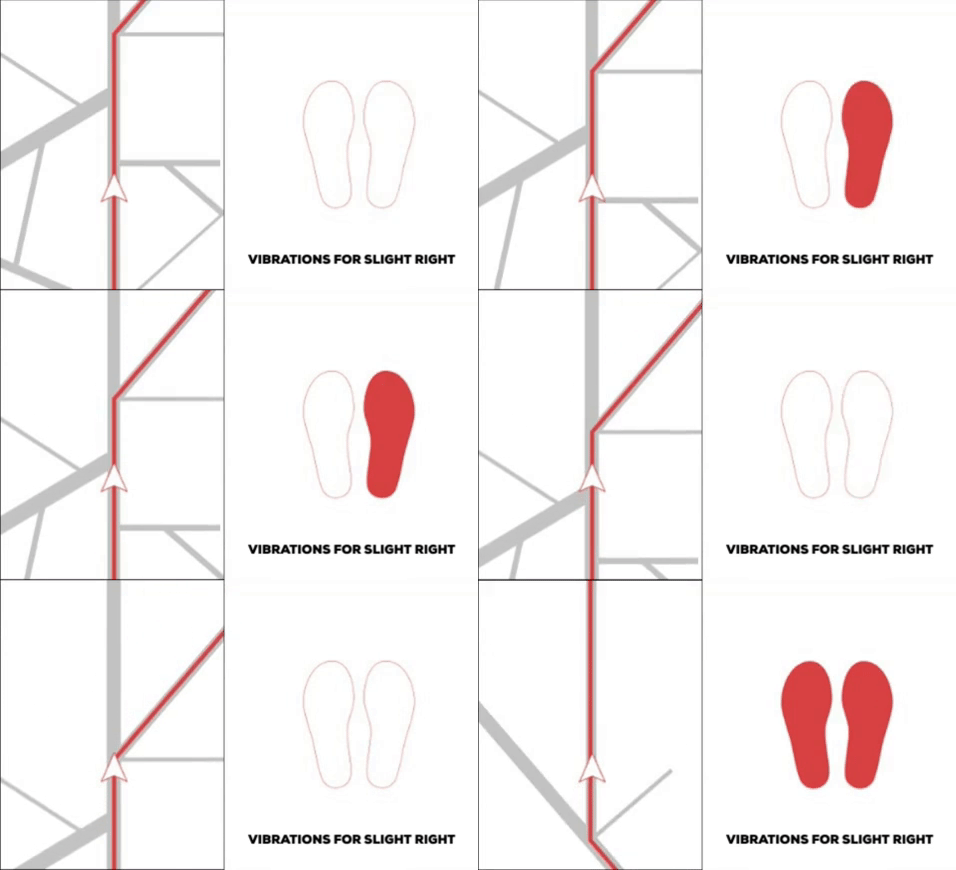
Turn angle mapped to pulse count. Users could distinguish one, two, three pulses reliably. Four became ambiguous in testing. Slight turns got one, normal two, sharp three. Left foot for left, right for right.
Proximity mapped to tempo. Continuous vibration was distracting. Intensity (stronger = closer) felt alarming. Tempo worked: pulses got faster as you approached. Users called it "the pattern getting impatient."
Complexity triggered escalation. Instructions that couldn't fit the grammar (street names, complex intersections, roundabout exit numbers) triggered rapid alternating pulses on both feet: check your phone.
Where it broke
Patterns that worked in a quiet room vanished under footsteps. Grammar combinations that felt distinct while standing became identical while walking.
| Problem | Fix |
|---|---|
| Missed signals Users didn't feel vibrations mid-stride |
Automatic repeat after a short delay |
| No recovery No way to ask "what was that?" without pulling out the phone |
Double foot-tap to replay |
| Uncertainty after action Users weren't sure they'd turned correctly |
Confirmation pulse after successful maneuvers |
What happened
Launched July 2016. 10,000+ users across 9 countries in five months. Hi-Tec licensed the technology for the Hi-Tec Navigator.
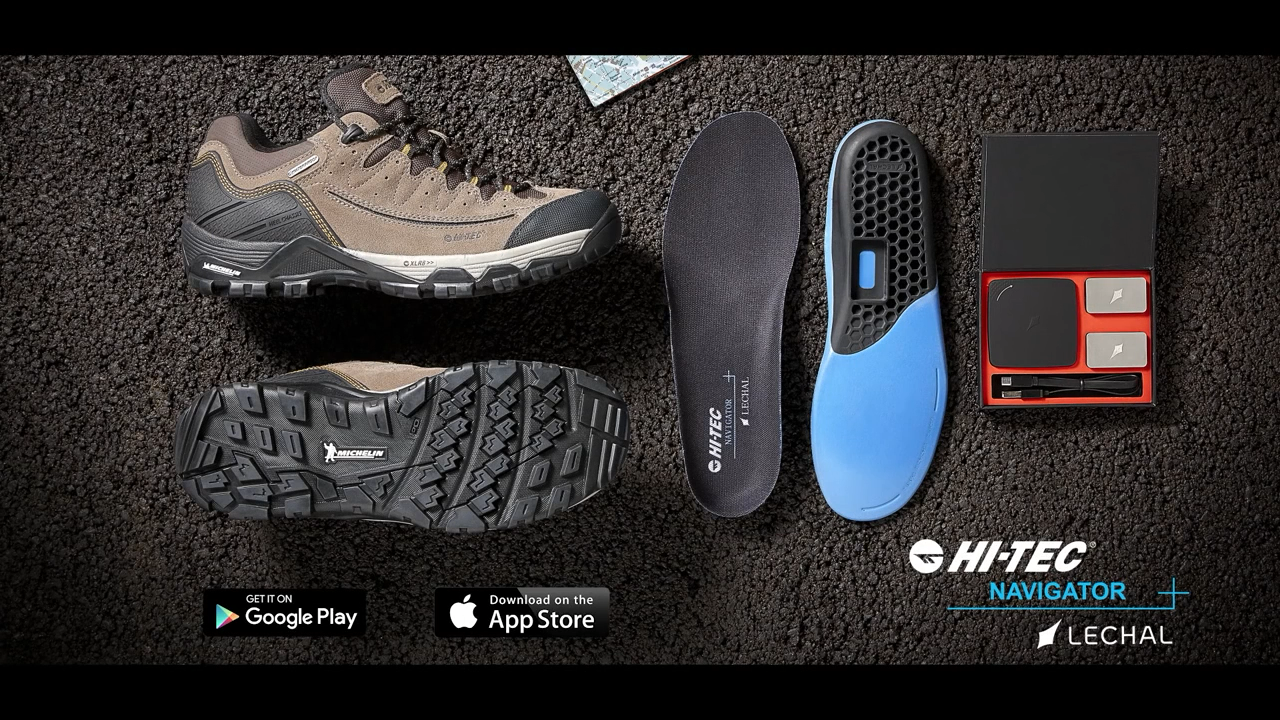
The project started as assistive technology for the visually impaired but the haptic language turned out useful for anyone who couldn't or didn't want to look at a screen. Later partnerships included AARP and Johns Hopkins for elderly navigation, plus sports applications.
No detailed usage data after launch. The adoption numbers and partnerships suggest the core language worked.
Looking back
This was never going to be a mass-market product. Most people don't want vibrating insoles. Phones are good enough. What worked: recognizing that narrowness and finding specific segments (elderly users, athletes) with genuine need.
On the design: we drew the escalation boundary around frequency. But frequency isn't importance. "Make a U-turn" is rare but costly to miss. I'd weight by consequence, not occurrence.
The confirmation pulses probably mattered more than we realized. Recognition and trust aren't the same. The system worked without training, but I don't know how long it took users to actually rely on it without checking their phone.
Open question: how do you design for graceful failure in transient interfaces? Screens can show error states. Haptics can't say "I'm confused." The escalation pattern was our answer. Still not sure it was the right one.